What's new · 23 July 2026
Write long. Rewrite anything. Read your week back.
A big one. Compose can now write long, articles and newsletters as well as posts, and you can rewrite any passage by highlighting it. Explore got a zoom control and a full list view. Friday now reads your week back to you.
These features are rolling out to accounts over the coming days.
Write long, not just short
Compose now writes three things: a Post, an Article, or a Newsletter.
Articles and newsletters go through a proper structured writer. They come out full length, with sections, in your voice. Pick the format before you start, talk the piece through with the interviewer as usual, and the draft builds beside the conversation as you go.
Where to find it: Compose → the format control at the top of the page: Post · Article · Newsletter.

Highlight a passage, rewrite it
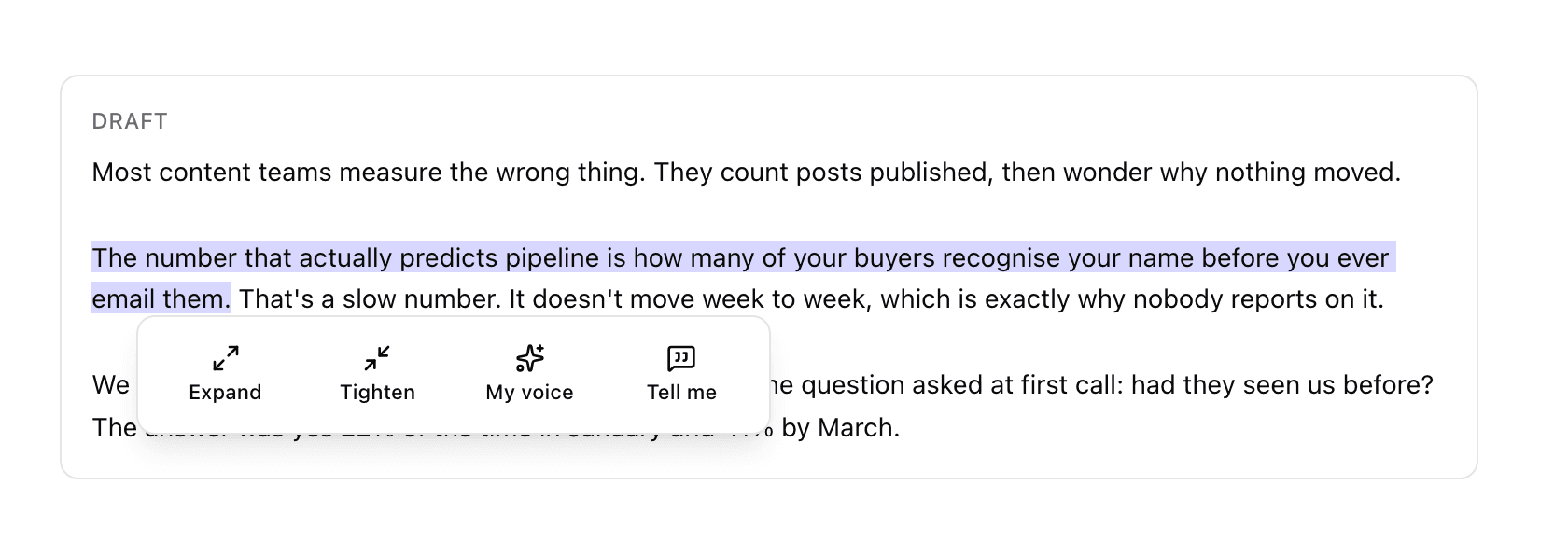
Select any text in an article draft and a small menu appears. Four options: Expand, Tighten, My voice, or Tell me, where you type your own instruction for that passage.
Only the passage you selected changes. Everything else stays exactly as you left it, and there's an Undo on every rewrite. Not right? Undo, or highlight again and try a different action.
Where to find it: Compose → Article → drag-select any sentence or paragraph in the draft pane.
Publish an article, then post about it
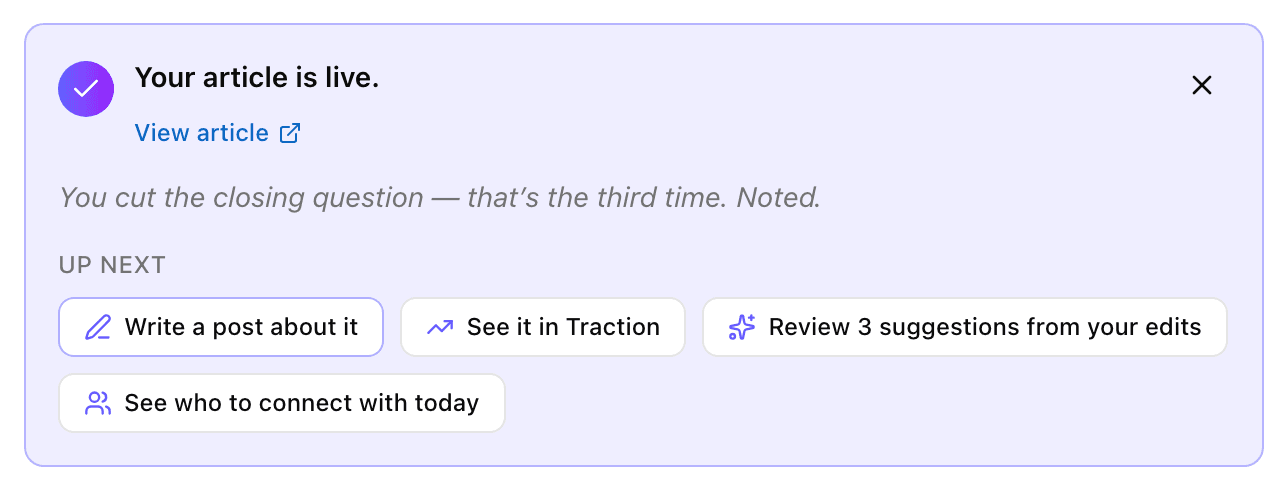
Publishing now tells you exactly what happened and gives you somewhere to go next.
- A real LinkedIn publish says “You're live on LinkedIn” with a link to the post. Marking something as hand-posted says “Marked as published”. No overclaiming.
- After publishing an article or newsletter you get “Write a post about it”, which opens a new Compose draft already seeded from the piece you just published.
- Every publish, including hand-marked ones, now shows up in Traction.
Where to find it: Compose → publish a draft. The panel appears above the draft and stays until you dismiss it.
Publish straight to WordPress
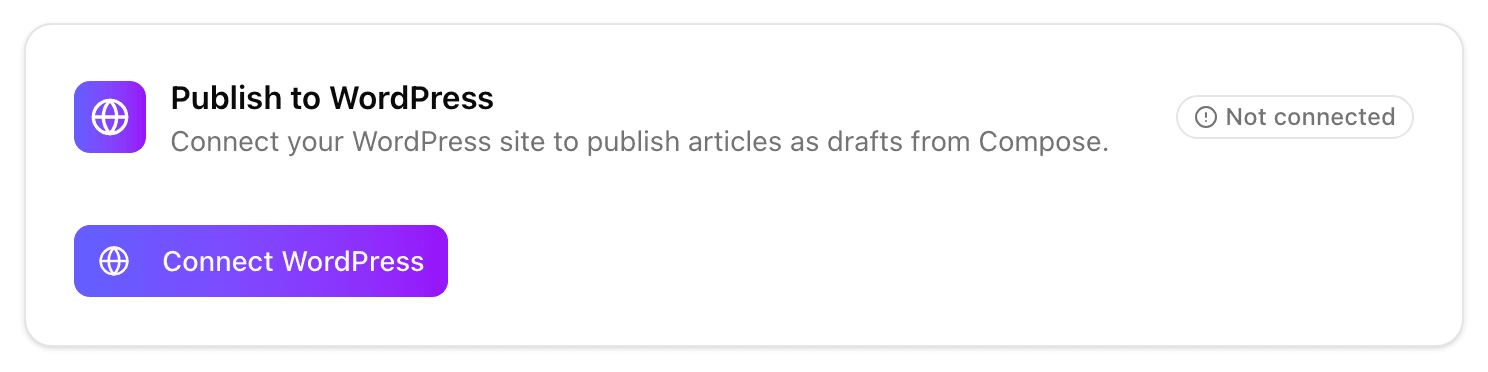
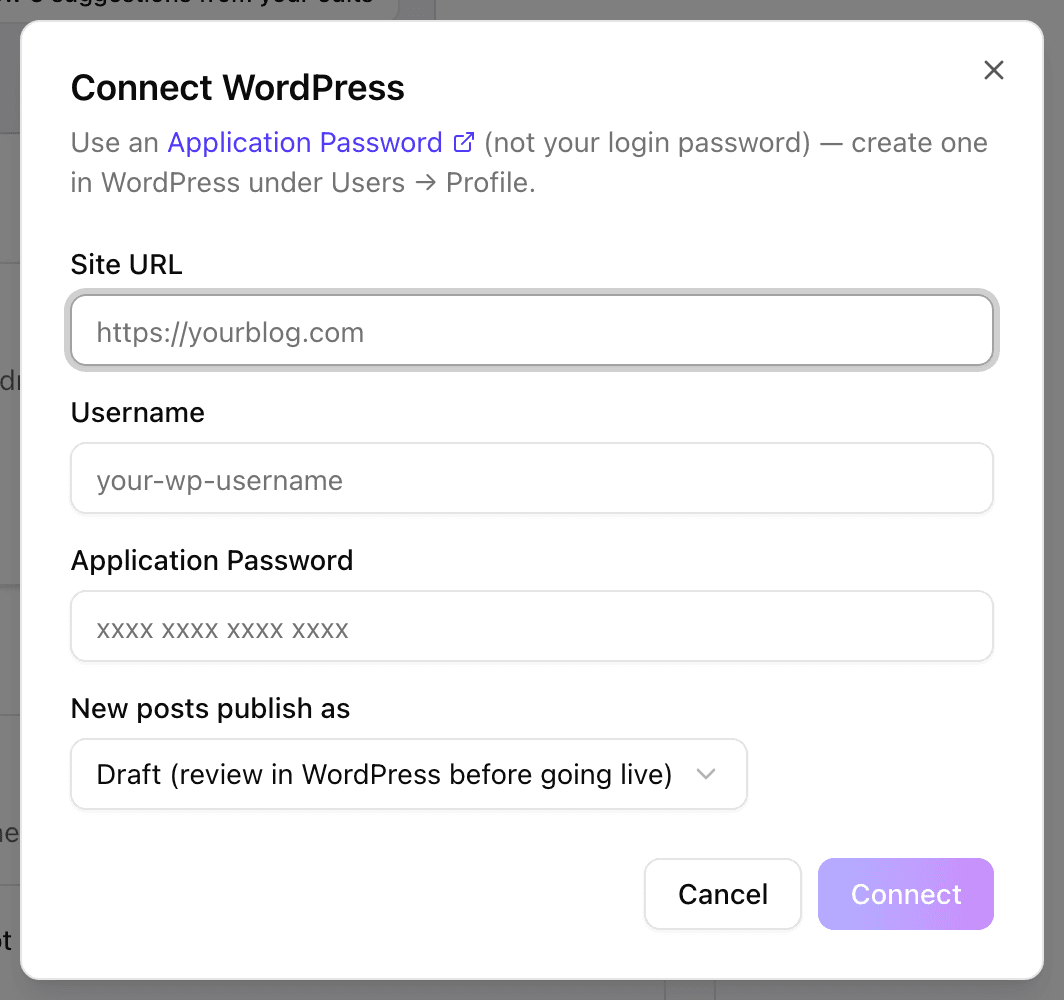
Connect your WordPress site once and publish articles to it from Compose. Connect with your site URL, username and a WordPress Application Password (not your login password), choose whether new posts land as drafts or publish immediately, then publish any Article from Compose.
Where to find it: Settings → Integrations → Publish to WordPress.
Your week, back at you
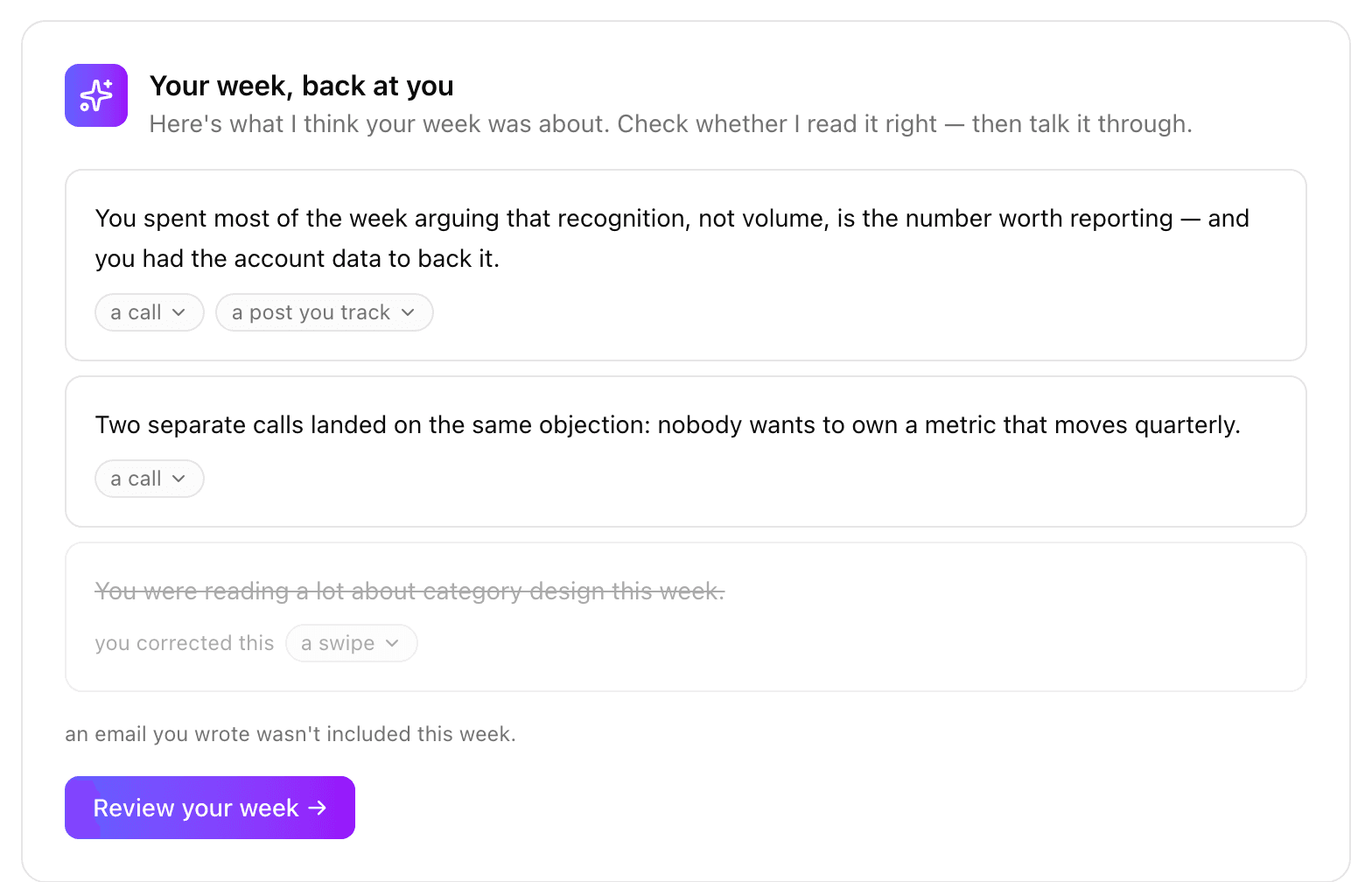
On Fridays, Today shows you what your week was actually about, pulled from your calls, your saves and your posts, with every claim traced back to where it came from. Click a claim to see the source excerpt.
Then Review your week → opens a conversation about it, and turns it into three story angles you can write.
Optional: connect Gmail and Calendar (Settings → Integrations → Workspace) and the weekly read-back includes your meetings and threads too. Read-only, and you can disconnect any time.
Where to find it: Today, on a Friday. Top of the page.
Explore: zoom out, or see everything
Two changes to Explore.
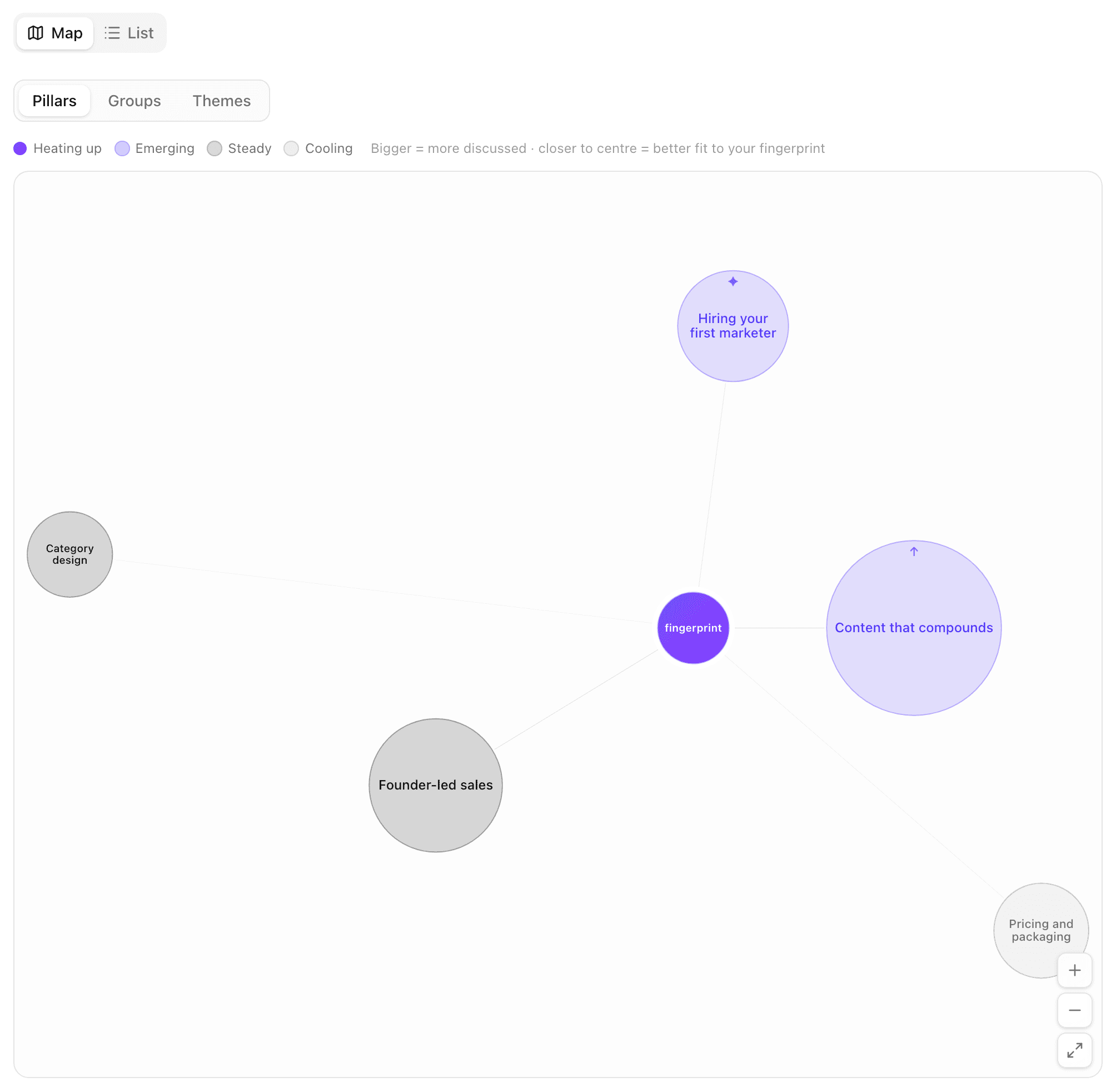
A zoom control on the map: Pillars · Groups · Themes. Pillars is the wide view (your topic areas), Themes is the close-in view. A level with nothing in it is greyed out with a reason rather than hidden.
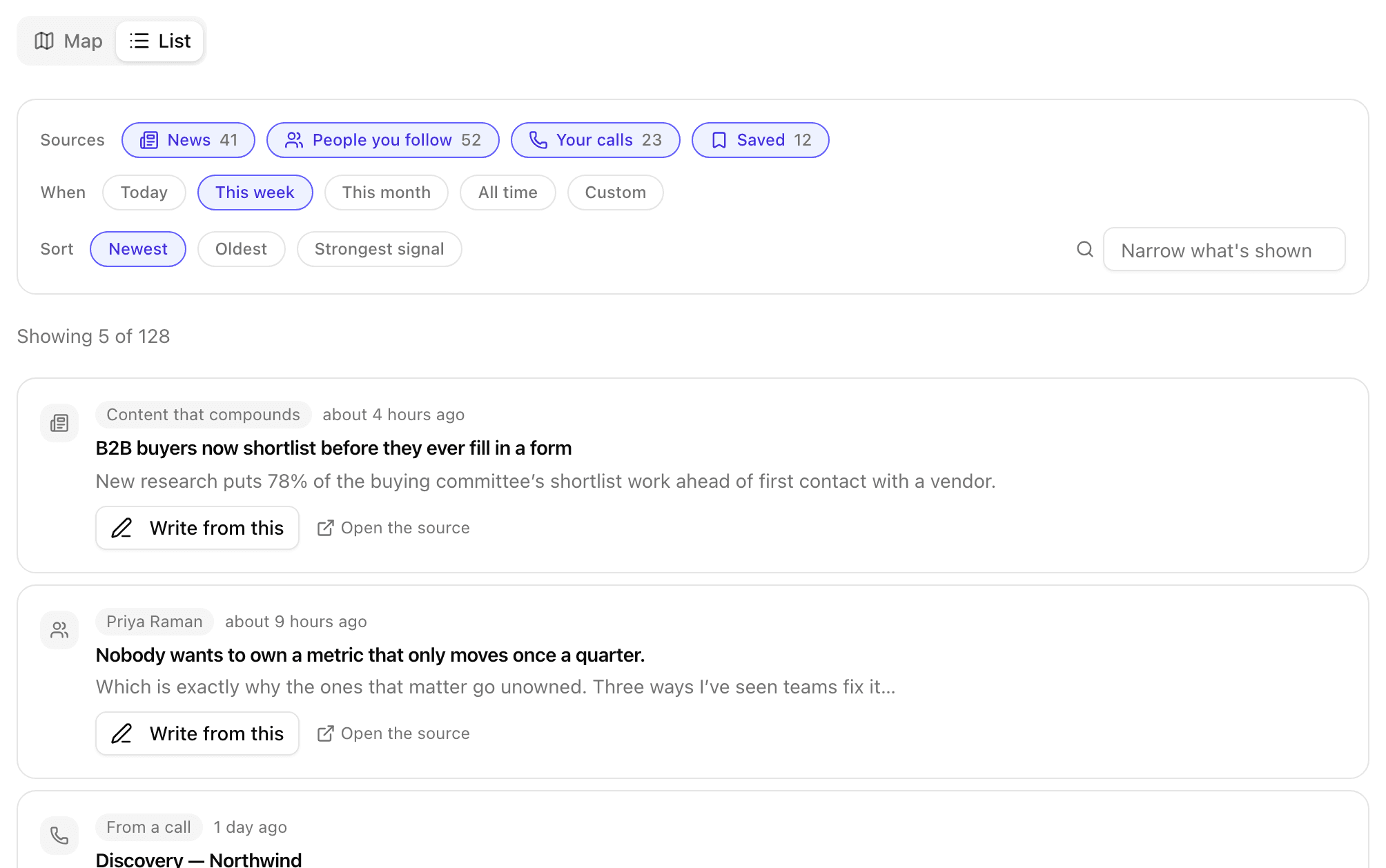
A new List tab, the flat feed of everything that came in, nothing summarised away. Filter by source (News · People you follow · Your calls · Saved), by timeframe, and sort by newest, oldest or strongest signal.
Theme detail also now shows the full provenance: every source behind a theme, calls included, each one clickable.
Where to find it: Today → Explore (left sidebar). Tabs at the top: Map | List. The zoom control sits inside the Map tab.
Save an idea for later
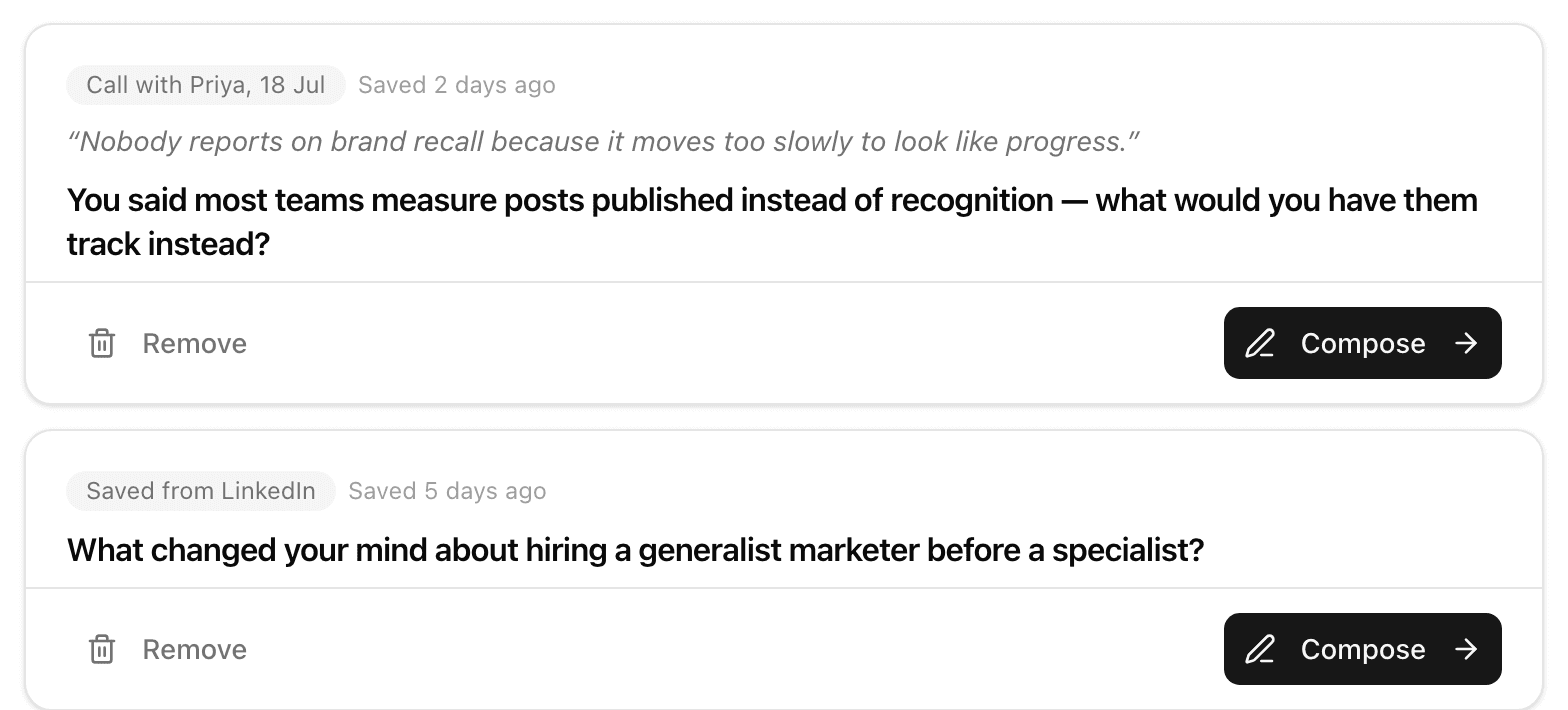
Not every good idea is a today idea. Save for later on any Today card parks it in a queue you can come back to. Saved cards stay in your Today stack (badged “Saved”) and collect under Saved. Open Saved and hit Compose on any of them whenever you're ready.
Where to find it: Today → any idea card → Save for later. The queue lives at Today → Saved in the sidebar.
Your edits teach faster
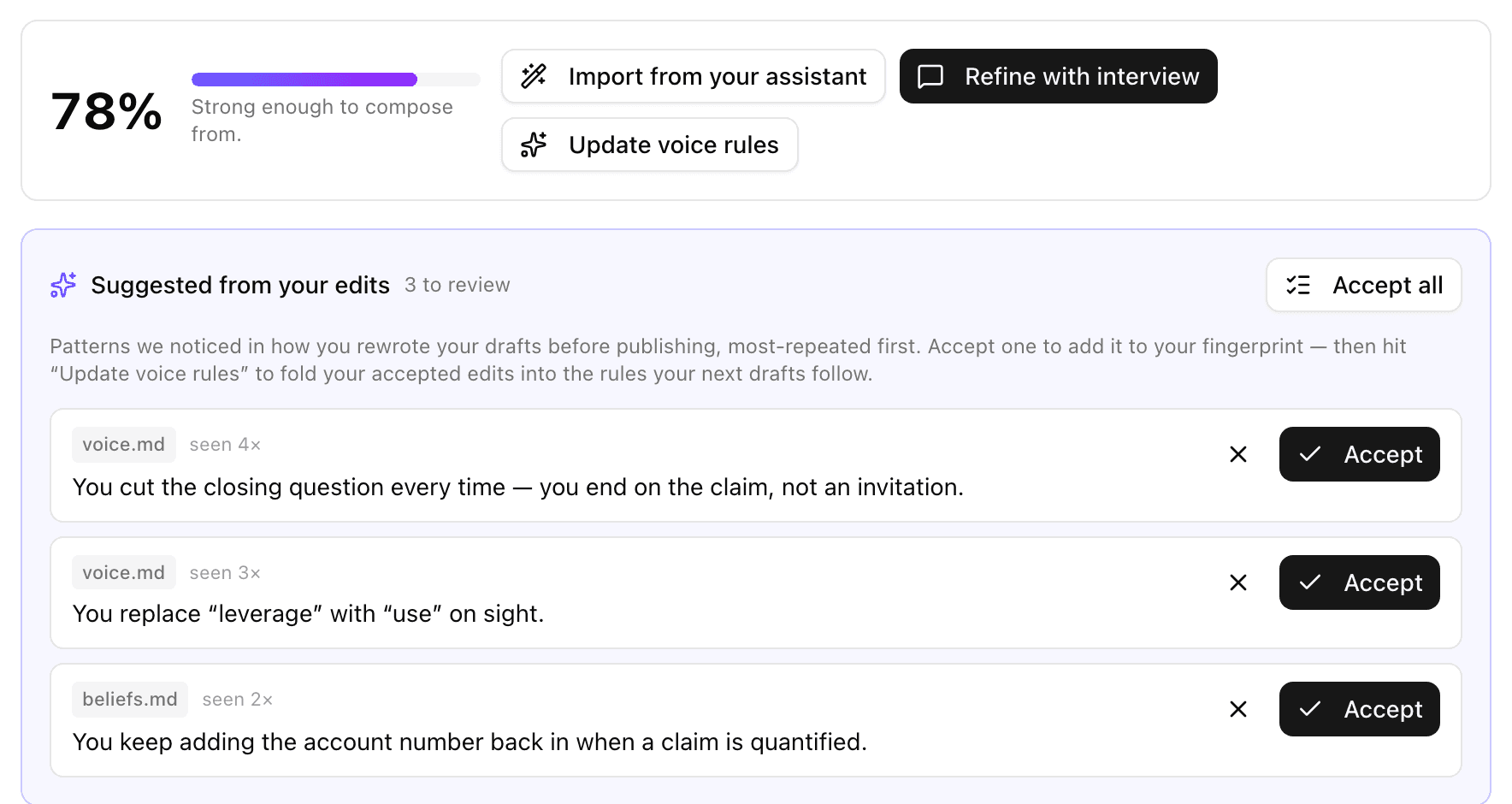
Editing an article now feeds your fingerprint the same way editing a post does, and article edits are kept separate from post edits, so long-form habits don't leak into short-form. The fingerprint edits queue also has a new Accept all button, ordered by what matters most.
Where to find it: Fingerprint → the suggested-edits queue.
Smaller improvements
- Paste a link into the interview and it reads the page before asking its next question.
- A weekly newsletter nudge on Today: one card, once a week, straight into a blank newsletter draft.
- Newsletter setup sits beside the conversation, not stacked on top of it, so the transcript stays readable.
- Restyled takes are editable. Hand edits now reach the learning loop.
- Long-form drafts survive a reload, and publishing no longer wipes the draft off screen.
- Anti-slop rules now apply to articles too, not just posts.
- Yesterday's un-actioned Today cards roll forward into the early-morning window, so Today is never empty before the day's picks land.
- More news in Today, and a longer tail in Explore. News stories now surface properly instead of being ranked out.
- “Connect with” recognises seniority. Founders and fractional execs now qualify on seniority alone, and your own profile no longer appears in the list.

Not using Inklined yet?
We're building it in the open. Live, improving every week, shaped by the people using it.